Help home The Today screen
The Today screen
Today is the first tab. It shows how you are doing today, from top to bottom.
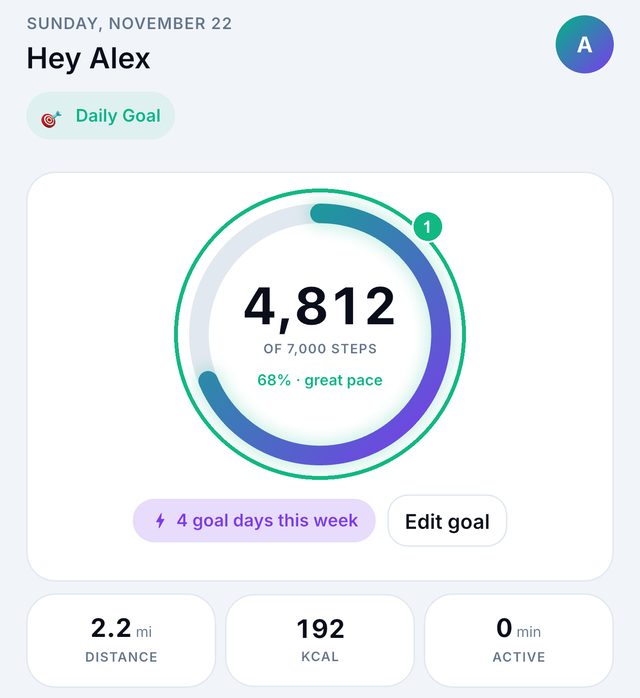
What does the big circle show?
The circle shows your steps today. The big number is your steps. The small text under it shows your goal, for example of 7,000 steps. The colored line fills up as you walk. When it goes all the way around, you reached your goal for today.
How do I change my daily step goal?
- Go to Today.
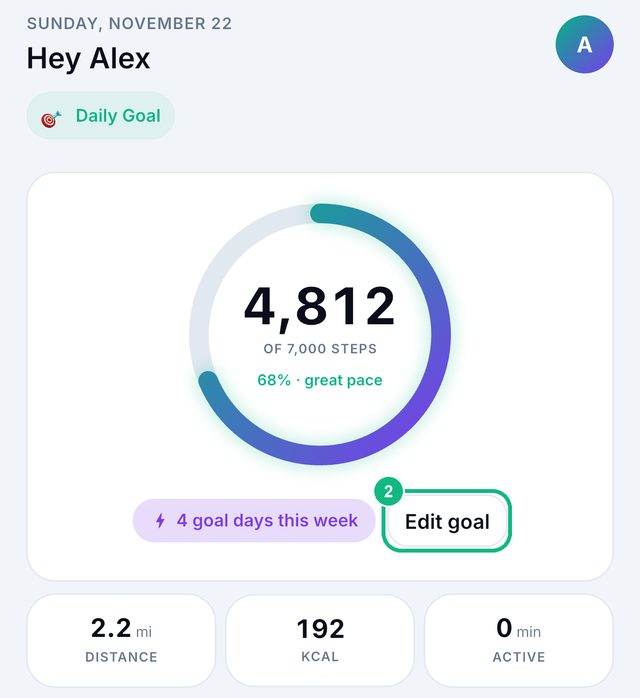
- Under the circle, tap Edit goal.
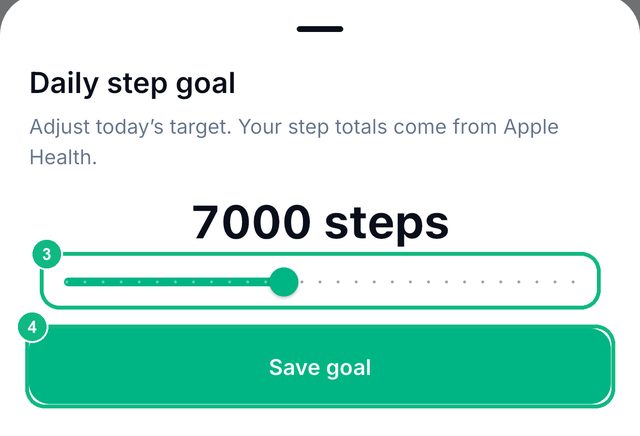
- Move the slider.
- Tap Save goal.
Good to know: If you follow a walking plan, the plan sets your goal for each week. See Plans and goals.
Watch: Your Today screen and goal
Captions are on screen. Voiceover created with AI. It shows the iPhone and Android steps.
What are the small boxes under the circle?
- Distance: how far you walked today.
- Kcal: about how many calories you used walking.
- Active: minutes you were moving in walks you recorded.

What else is on the Today screen?
Scroll down to see more cards. Not every card shows every day.
- Start a walk: record a walk. See Recording a walk.
- How are you today? a one-tap check-in. See Check-ins.
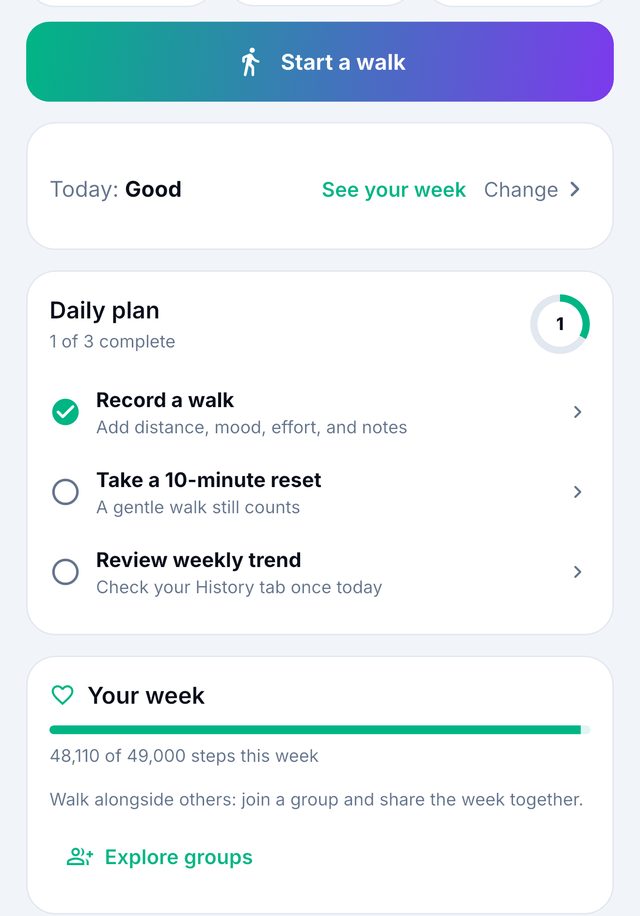
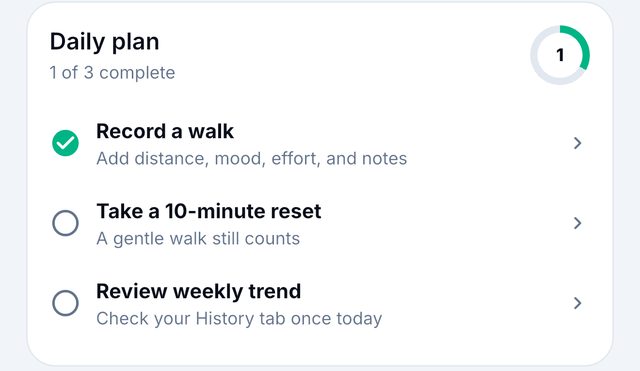
- Daily plan: 3 small things to do today.
- Your week: your steps this week, and a way to find a group.
What is the “Daily plan” card?
It shows 3 small tasks for today, for example Record a walk or Take a 10-minute reset. Tap a task to do it. A tick shows when it is done, and the card shows how many you finished, like 1 of 3 complete.
How do I refresh my steps?
On Today, pull down with your finger and let go. The app asks Apple Health or Health Connect for your latest steps.
Can I use a dark screen?
- Open Settings (round picture at the top right, then the gear).
- Find Appearance and tap Theme.
- Choose Dark, Light or System. System follows your phone.