Help home Plans and goals
Plans and goals
A plan gives you a step goal for each week, so you can build up slowly. All walking plans are free.
What plans can I choose?
Recovery plans: iPhone now · Android in the next update
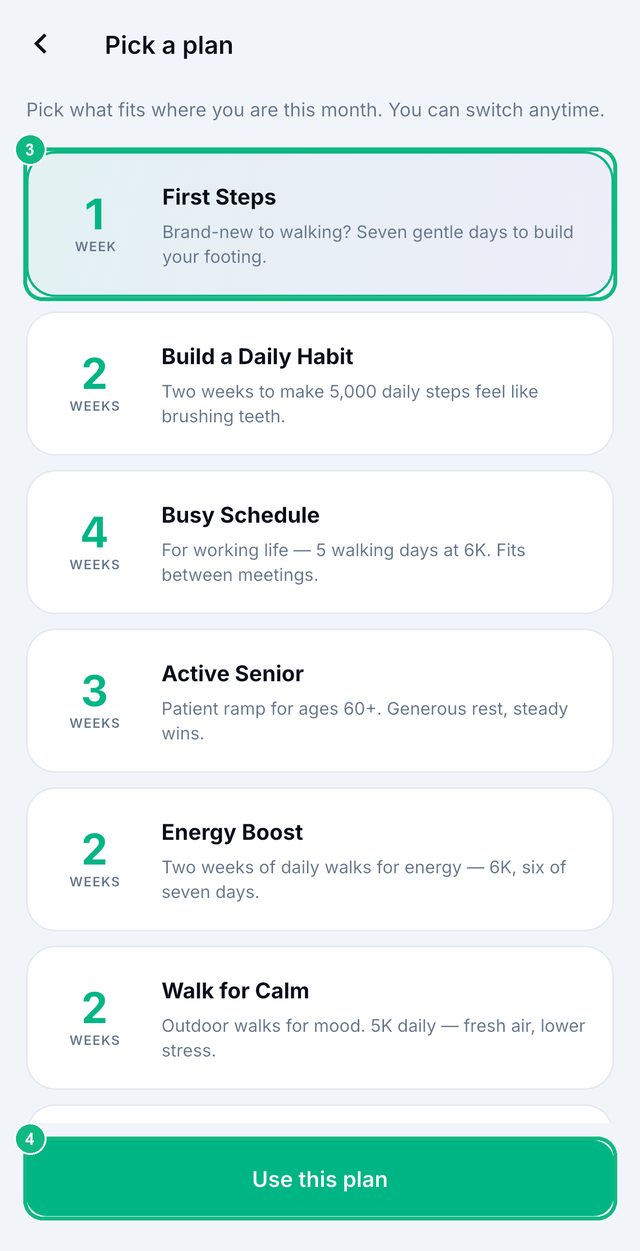
Each plan is 1 to 4 weeks long.
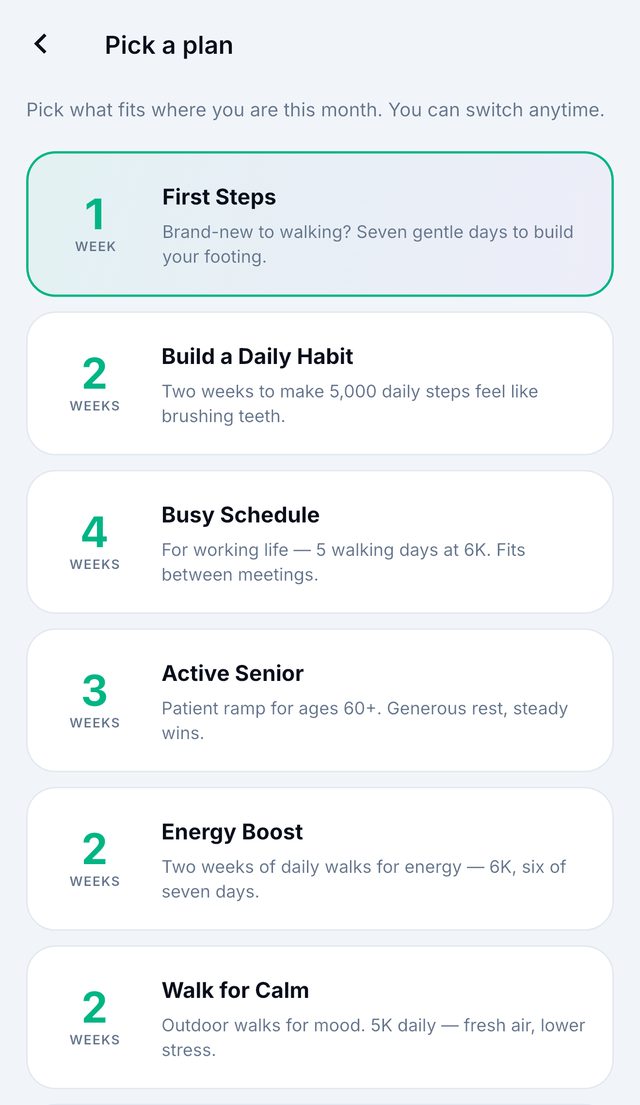
- First Steps (1 week): brand-new to walking.
- Build a Daily Habit (2 weeks): 5,000 steps a day.
- Busy Schedule (4 weeks): 5 walking days at 6,000.
- Active Senior (3 weeks): a patient ramp for ages 60+.
- Energy Boost (2 weeks): 6,000 a day, six of seven days.
- Walk for Calm (2 weeks): outdoor walks for mood.
- Recovery Pace, Step It Up, Walk to 10K and 5K Ready.
Recovery plans
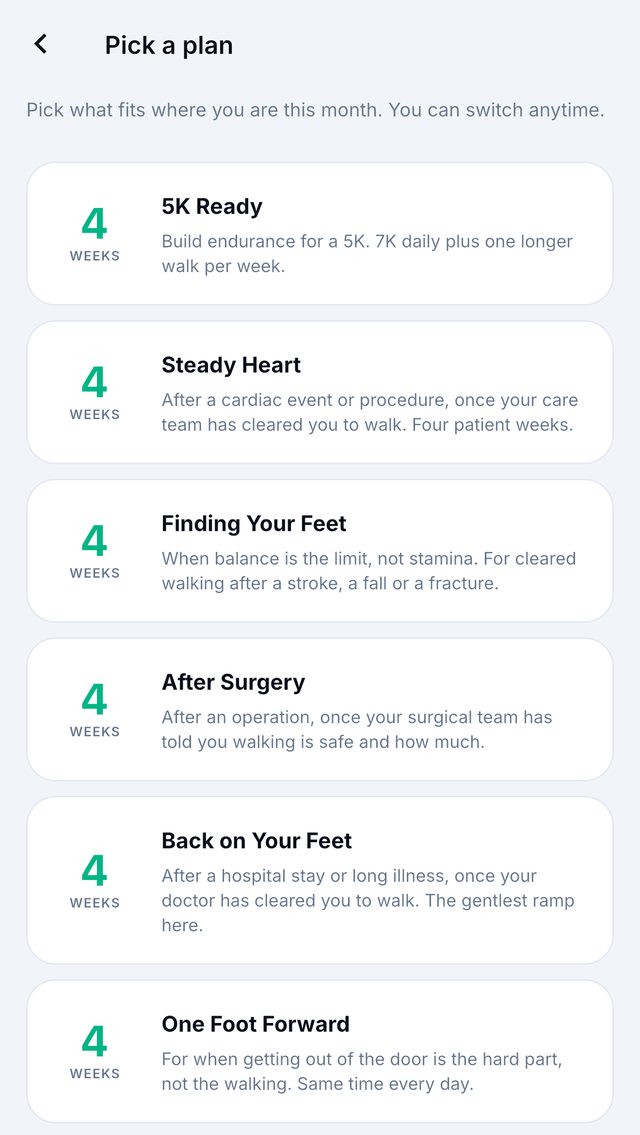
iPhone also has 5 recovery plans, each 4 weeks long: Steady Heart (after a cardiac event or procedure), Finding Your Feet (when balance is the limit), After Surgery, Back on Your Feet (after a hospital stay or long illness) and One Foot Forward (when getting out of the door is the hard part).
Start a recovery plan only once your doctor or care team has told you walking is safe, and how much.
How do I start a plan?
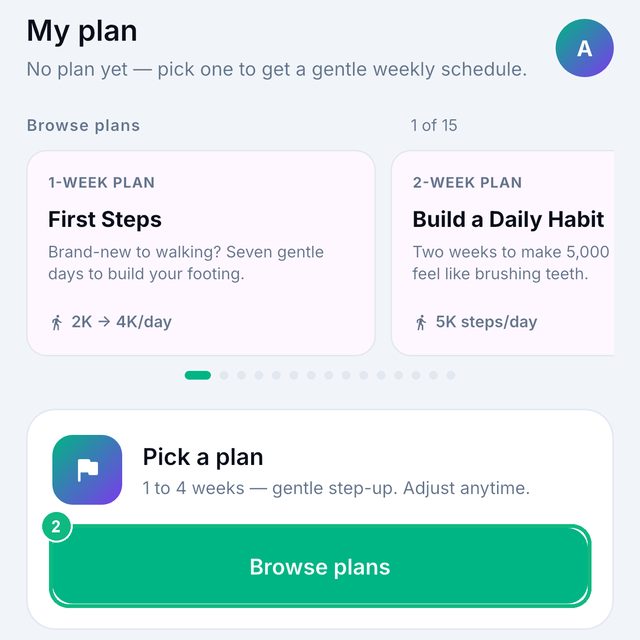
- Go to the Plan tab.
- Tap Browse plans.
- Tap a plan to choose it.
- Tap Use this plan.
Watch: Pick a walking plan, or pause your goals
Captions are on screen. Voiceover created with AI. It shows the iPhone and Android steps.
Can I change a week in my plan?
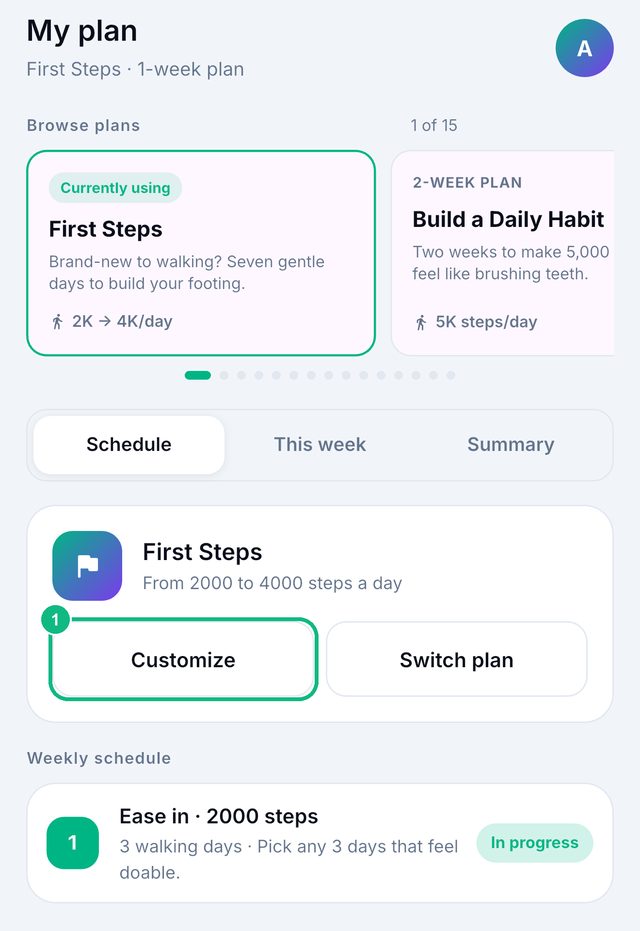
- Go to Plan and tap Customize.
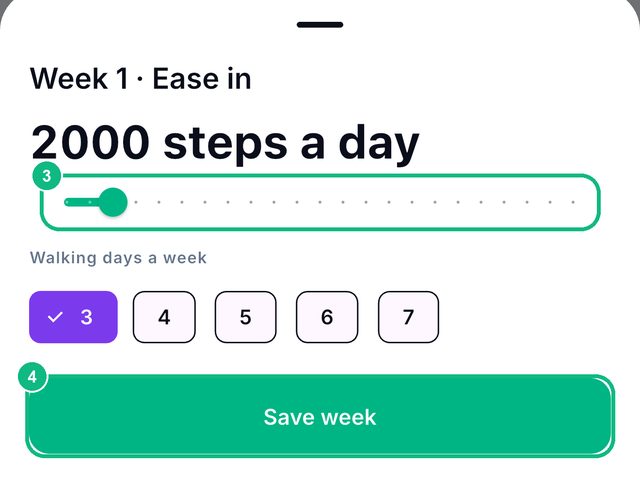
- Tap the week you want to change.
- Move the slider to set the steps, and choose Walking days a week.
- Tap Save week.
How do I switch or stop a plan?
When you remove a plan, your daily goal goes back to your own goal.
- Go to Plan and tap Switch plan.
- Tap another plan and Use this plan. Or scroll to the bottom and tap Remove plan.
I am sick or on holiday. Can I pause my goals?
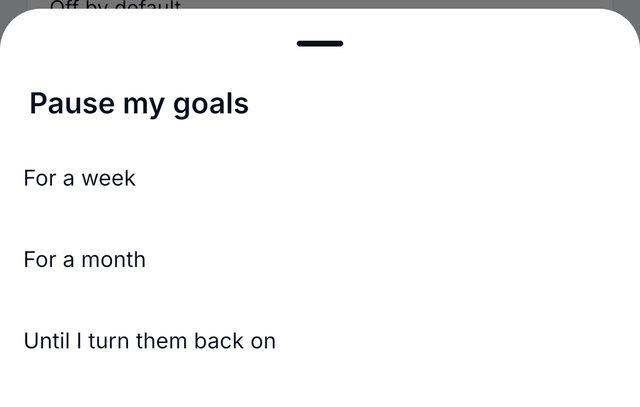
Yes. Pausing stops goals and streaks for a while. Your walking is still counted.
- Open Settings (round picture at the top right, then the gear).
- Under Notifications, tap Pause my goals.
- Choose For a week, For a month or Until I turn them back on.